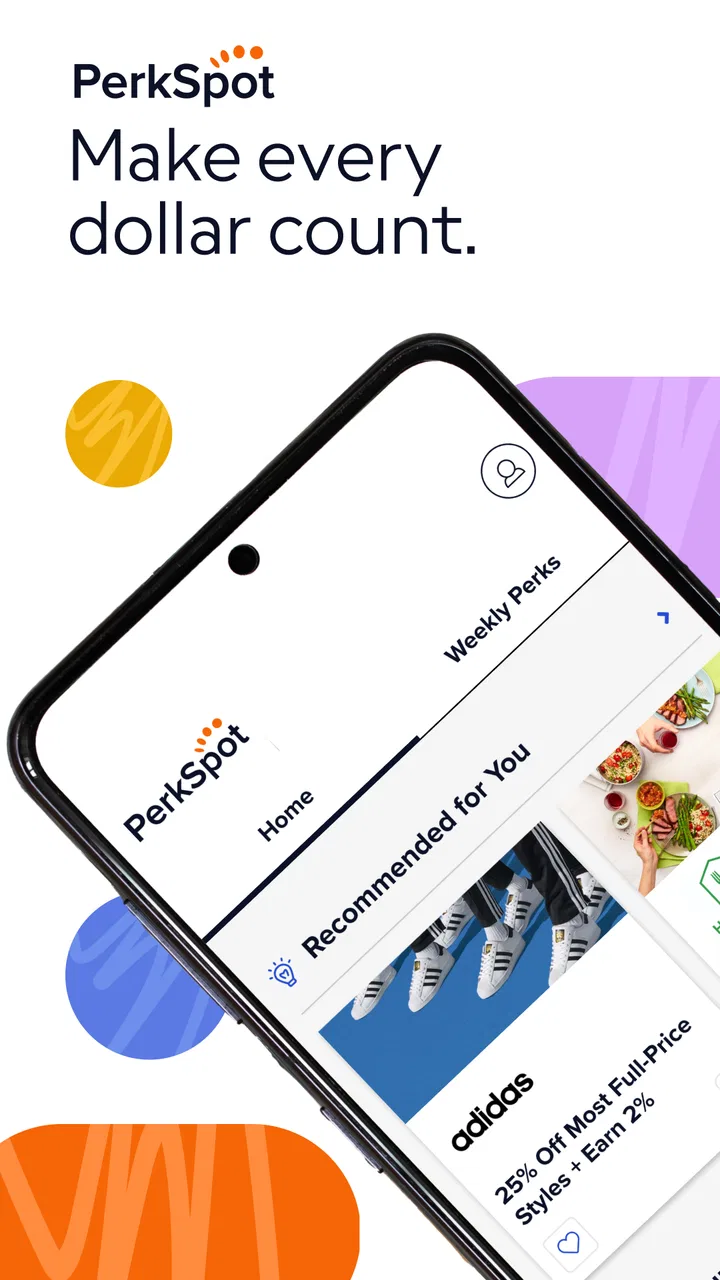
PerkSpot
- 3.4
- Rating
- 100.00K
- Installs
- Free
- Price

 Analysis by App-foxy
I approached PerkSpot as a practical shopping companion rather than a full marketplace. Its purpose is straightforward: it brings the savings available through a user’s Discount Program into a mobile app, so checking workplace or membership-related offers can happen while I am already making a purchase decision. That narrow focus is also its main appeal. I would not use it as a replacement for a broad shopping platform, but I can see the value in having discounts gathered in one place instead of searching through emails, benefit pages, or separate browser tabs.
The app is free, aimed at everyone, and developed by PerkSpot. It belongs to the shopping category, although the experience is closer to a benefits and discount hub than to a conventional store with its own product catalog. That distinction matters before downloading: the usefulness of the app depends heavily on whether the user has access to a compatible Discount Program. If that describes you, it may save time and make benefits easier to remember. If you are simply looking for general coupons, price comparisons, or a universal shopping app, this is probably not the right starting point.
How PerkSpot feels during everyday use
I find PerkSpot most useful when I treat it as a quick checkpoint before buying, rather than something to browse for its own sake. In everyday use, the key decision is whether the relevant benefit is worth the extra step of switching between apps; that depends on the purchase and the offer’s instructions. Thinking about that trade-off also makes it easier to judge how much speed I should expect when checking a discount.
You May Also Like

 AccuWeather: Weather Radar
AccuWeather Review: A Quick, Clear Forecast for Everyday Decisions
For everyday plans, the best forecast is the one you can understand quickly. AccuWeather makes rain timing, radar, and local conditions easy to act on, with a few trade-offs.

 Hill Climb Racing
Why Hill Climb Racing Still Turns Crashes Into One More Run
A tiny car, a bumpy hill and one more upgrade: Hill Climb Racing keeps resurfacing because its simple chaos makes every near-miss feel personal.

 AliExpress - Shopping App
AliExpress Makes Global Shopping Feel Personal, but Shoppers Bear the Risk
AliExpress turns a global marketplace into a pocket-sized discovery engine. Its reach is useful, its shopping loop compelling, and its trade-offs easy to miss.

 Lords Mobile: Kingdom Wars
Lords Mobile Is a Kingdom-Building Routine, Not a Quick Match
A case-by-case verdict on the building, battles, device demands, and social commitments that make Lords Mobile rewarding for some players and exhausting for others.

 PDF Scanner app - TapScanner
TapScanner Makes Paperwork Easier to Capture, Check, and Share
TapScanner makes scanning with a phone feel less like a rescue operation and more like a dependable step in getting work done. Its capture tools are useful, though not flawless.

 Block Blast!
 Shows How Much a Puzzle Game Can Leave Out
A quiet grid game shows why puzzle players increasingly value instant clarity, repeatable skill and low-pressure play—and where the genre still needs to catch up.
More From Our News Desk
View All News


Speed expectations when checking a discount
My first expectation with an app like this is immediacy. I usually open a discount app at an awkward moment: standing in a shop, comparing a purchase on my phone, or remembering a benefit just before checkout. PerkSpot makes the most sense in that situation because its value is not in prolonged browsing. The quicker I can reach the relevant offer and understand what to do next, the more useful the app becomes.
The current version is 1.8.11, and the app has passed the early-install stage, with more than one hundred thousand installs. Those details suggest an established mobile product rather than a brand-new experiment, but they do not guarantee identical speed on every device. In practice, I would judge its responsiveness by how quickly the available discount information appears and whether moving between sections feels predictable. A benefits app does not need elaborate visual effects; it needs a clean path from opening the app to finding a usable saving.
One helpful habit is to browse before leaving home instead of waiting until the payment screen. That gives me time to identify the offer, read any conditions shown in the app, and decide whether it is worth using. This is a small change, but it avoids turning a potentially simple saving into a rushed search with a queue behind me. I also prefer to open the app when I have a stable connection, especially if I know I will need the information away from home.
PerkSpot is best understood as a quick reference tool. It is not the sort of application I would keep open for a long shopping session, and I would not expect it to replace a retailer’s own app when I need stock details, delivery tracking, or order management. Its speed matters because the task is focused, not because the app is designed for deep browsing.
What happens during heavier shopping moments
The more demanding scenario is not necessarily a technically complex one. It is the moment when I am switching between the discount app, a retailer’s checkout, a browser, and perhaps a message containing account details. That kind of multitasking can make any benefits app feel less convenient, even if each individual screen is simple. I would therefore treat PerkSpot as one step in a purchase workflow, not the entire workflow.
A realistic example would be planning a larger household purchase. Before shopping, I could open the app, check whether a relevant discount is available through my program, note the instructions, and then move to the retailer’s normal checkout. This is more reliable than discovering the benefit after the order is complete. For an in-person purchase, I would check the offer before reaching the register. For an online purchase, I would keep the instructions visible or make a brief note so I do not lose the required step while moving to another app.
That workflow reveals an important trade-off. A centralized discount app can reduce the effort of remembering where benefits are stored, but it may still require me to complete the transaction elsewhere. The saving is therefore partly about discovery and organization, not necessarily about completing every part of a purchase inside PerkSpot. Users expecting a single checkout, universal coupon application, or automatic price matching may find the process less seamless than they hoped.
Another useful approach is to search with a specific purpose instead of opening the app simply to browse. I would start with the type of purchase I am planning, inspect the available option, and then compare the final value with the retailer’s normal price and delivery terms. A discount is not automatically the best deal if another seller offers a lower total cost. PerkSpot can help me locate a benefit, but I still need to make the final comparison.
Reliability and recovering from interruptions
Reliability is especially important for a discount tool because a failed lookup usually occurs at the worst possible time. If the app closes, loses its place, or becomes difficult to resume while I am shopping, the benefit can become more trouble than it is worth. I would use it with the same practical caution I apply to any app that supports a purchase: check the details early and avoid relying on a last-second lookup.
The app’s average rating is around three and a half, based on a little under two hundred and fifty ratings, with close to ninety written reviews. That is a mixed signal rather than a clear endorsement or rejection. It tells me that the experience is not universally smooth, so I would keep expectations realistic. The rating does not make the app unusable, but it does reinforce the value of testing the sign-in and discount-discovery process before I need it for an important purchase.
If I am interrupted, I would reopen PerkSpot and return to the offer rather than assuming that a previous screen will remain available. I would also avoid treating a remembered discount name as proof that the offer still applies to my purchase. The safest routine is to verify the relevant details in the app shortly before using them. This is not a criticism unique to PerkSpot; discounts often have conditions, and a mobile tool is only helpful when the information is available at the right moment.
For recovery, the most sensible preparation is simple: sign in before shopping, confirm that the account is recognized, and learn where the discount information appears. I would not wait until standing at a checkout to discover that I need to complete setup. This preparation also answers a common concern about convenience. The app can reduce repeated searching, but it cannot remove every bit of account or retailer-related friction from the process.
Device constraints and practical expectations
PerkSpot supports Android devices running version 7.0 or later, which covers a broad range of phones while still excluding older hardware. On a compatible device, I would expect the basic task to be manageable without needing a recent flagship phone. A discount directory does not require the same resources as a graphics-heavy game or a video editor, so the likely concern is not raw power but whether the phone and connection remain dependable during use.
I would be cautious with an older phone that has very limited free storage, aggressive background restrictions, or an unreliable connection. Even a lightweight shopping utility can become inconvenient when the operating system repeatedly pauses apps or when switching away from the app causes the current screen to reload. The practical solution is to open the app before the critical part of the purchase and keep the retailer’s process separate when possible.
Resource demands also matter for people who keep many shopping, banking, and messaging apps open. I would not install PerkSpot expecting it to replace all of them. Instead, I would use it briefly, gather the information I need, and then continue with the retailer or payment service. That limited-session approach suits the app’s purpose and reduces the chance that multitasking will become the main source of frustration.
Because the content rating is Everyone, the app is positioned for a general audience rather than a restricted age group. That makes it easier to recommend as a household benefits tool, although the actual usefulness still depends on access to the relevant Discount Program. A family member who does not belong to that program may find little reason to keep it installed, while an eligible user could use it regularly for planned purchases.
Where it beats ordinary alternatives
The usual alternative is to manage discounts through a web portal, a benefits email, or a saved bookmark. Those methods can work, but they often scatter information across places I do not check regularly. A dedicated mobile app is more convenient when I want to look up a benefit while away from my desk. The advantage is organizational: PerkSpot puts the Discount Program closer to the point of purchase.
Compared with a general coupon app, its strength is relevance for eligible users. A broad coupon service may show many promotions that do not apply to me, while a program-based app can be more focused. The trade-off is coverage. A general shopping service may offer broader retailer discovery, price tracking, user reviews, and checkout tools. PerkSpot is not trying to do all of that, so I would use both types of app when necessary rather than expecting one to replace the other.
Compared with a retailer’s own app, PerkSpot is more useful at the discovery stage and less useful for the transaction itself. A retailer app may be better for inventory, delivery, loyalty points, and order history. PerkSpot’s role is to help me remember and access a benefit before I complete that separate purchase. That division of labor is perfectly reasonable, as long as I understand it from the beginning.
Who will get the most from it
I would recommend PerkSpot to someone who has access to a Discount Program and frequently forgets to check its benefits. It is also a good fit for people who make planned purchases and want a quick place to review possible savings before opening a retailer’s checkout. Employees, members, or other eligible users who normally rely on a desktop benefits page may appreciate having the same general purpose available on a phone.
The app is less suitable for someone who wants automatic coupon codes, universal cashback, detailed product research, or a complete marketplace. It is also not my first choice for spontaneous bargain hunting across every retailer. In those cases, a price-comparison service or a retailer-focused shopping app would probably provide more useful tools. Installing PerkSpot makes sense when the Discount Program itself is valuable to you, not simply because it is a free shopping download.
One non-obvious benefit is behavioral rather than technical: keeping the program accessible can make me check benefits before spending instead of remembering them afterward. That can improve the chance of using a discount I already have. The limitation is equally practical: an app cannot create savings where the program has no relevant offer, and it cannot make an unsuitable purchase worthwhile.
My performance verdict
PerkSpot succeeds when I treat it as a focused mobile doorway to an existing discount benefit. Its expected performance is best judged by short, purposeful sessions: open it, locate the relevant saving, understand the next step, and continue the purchase in the appropriate place. That is a narrower job than the one performed by a full shopping platform, but it can still be useful when the program matches my needs.
I like the idea of checking the app before shopping rather than depending on memory or a scattered collection of messages. I also appreciate that its free price removes the financial risk of trying it. At the same time, the middling average rating means I would test it with a small, low-pressure purchase first. That gives me a chance to understand the account flow and recovery process before relying on it for a larger transaction.
PerkSpot has a clear audience and a clear limitation. For an eligible user who wants mobile access to a Discount Program, it can be a convenient organizational tool. For everyone else, the app may feel too specialized compared with ordinary coupon, comparison, or retailer apps. My recommendation is therefore conditional but positive: install it if the program is already part of your benefits, prepare it before you shop, and use it alongside—not instead of—the retailer and price-checking tools that complete the purchase.
FAQs for PerkSpot
01What is PerkSpot and how does it work?
PerkSpot is a platform designed to provide employees with exclusive access to discounts and deals on various products and services. After signing up through their employer, users can browse a wide range of offers across categories like travel, electronics, and dining. The app continually updates its deals, ensuring users have access to the latest savings opportunities.
02Is PerkSpot available for both Android and iOS devices?
Yes, PerkSpot is available for download on both Android and iOS devices. Users can easily find the app on the Google Play Store or Apple App Store. Once downloaded, they can log in with their credentials provided by their employer to start exploring the available discounts.
03Are the discounts on PerkSpot truly exclusive?
PerkSpot collaborates with a variety of companies to provide discounts that are typically not available to the general public. These exclusive offers are negotiated directly with vendors and are specifically tailored for PerkSpot users. However, it's advisable to compare deals to ensure you're getting the best price.
04How secure is my personal information on PerkSpot?
PerkSpot takes user privacy and data security very seriously. The platform uses encryption protocols to protect user information and adheres to strict privacy policies. Users' personal details are only used for account management and accessing discounts, ensuring a safe and secure experience.
05Can I share my PerkSpot account with family and friends?
PerkSpot accounts are intended for individual use by the employee who has been granted access. Sharing login credentials is generally discouraged to maintain account security. However, employees can often share the benefits of the discounts by making purchases for family and friends through their account.
Pros
- User-friendly interface for easy navigation.
- Wide range of discounts across categories.
- Regular updates with new offers.
- Secure platform for browsing and purchases.
- Exclusive deals not found elsewhere.
Cons
- Limited availability outside the U.S.
- Some deals require specific memberships.
- Occasional app performance lags.
- Notifications can be overwhelming.
- Not all offers are substantial savings.

PerkSpot
Gallery